

Automated Interview Scheduling Software Fully Explained
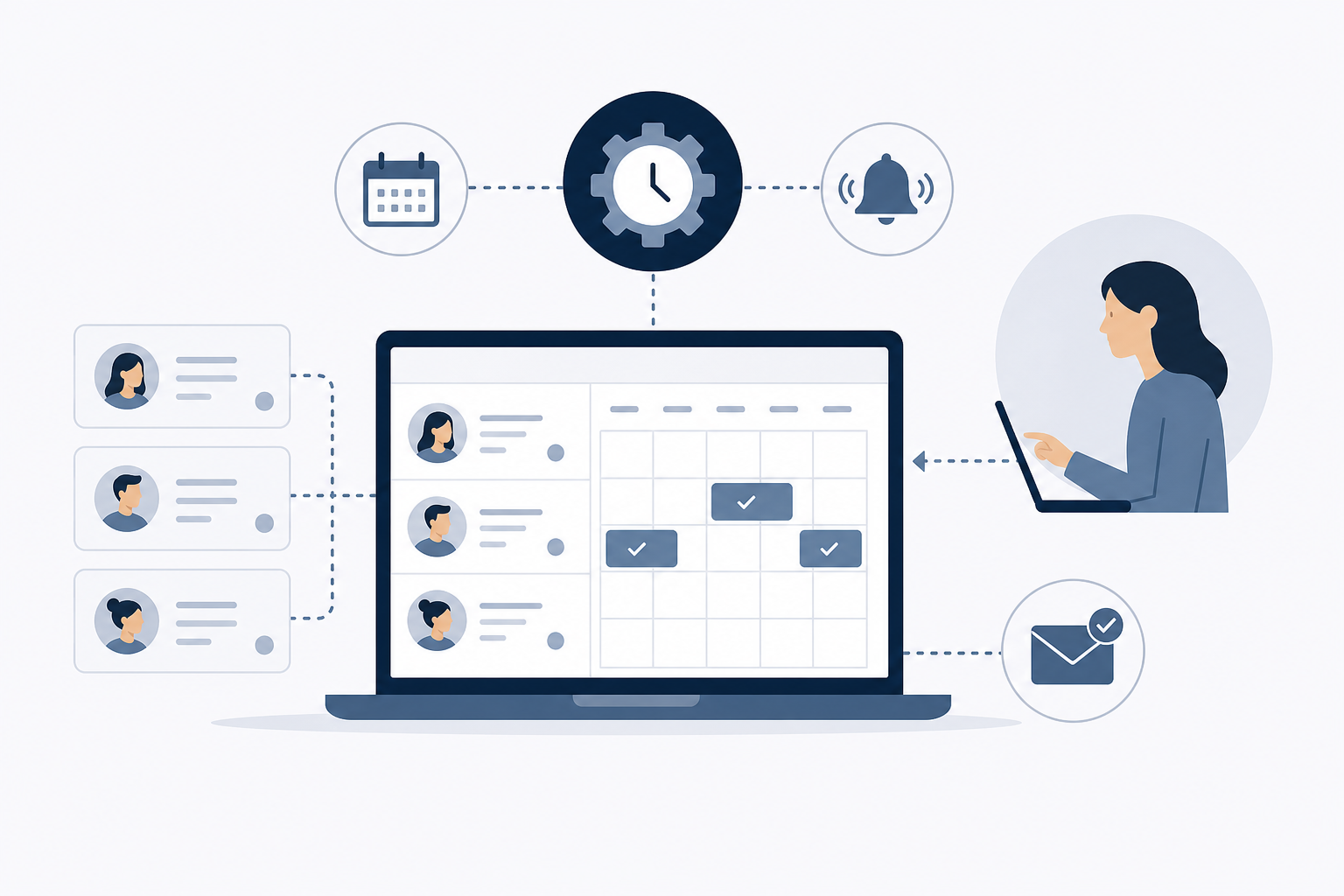
Automated interview scheduling software removes the back-and-forth of booking interviews by letting candidates self-select from available slots, syncing calendars, and triggering reminders automatically. The result is a faster, less frustrating process for both recruiters and applicants. That speed matters: according to a 2024 Cronofy survey reported by stealthagents.com, 42% of applicants abandoned a hiring process due to lengthy scheduling delays.
This article covers three dedicated scheduling tools and one broader AI recruiting approach, matched to specific hiring contexts, with notes on where each fits and where it falls short.
What Is Automated Interview Scheduling Software?
Automated interview scheduling software handles the coordination work between a recruiter and a candidate after the screening stage. Instead of trading emails to find a time, the system sends candidates a link, lets them pick from open slots, and confirms the meeting automatically.
Core mechanics include calendar sync (so only free slots appear), automated reminders before the interview, and rescheduling flows that don’t require recruiter involvement. Most tools also integrate with an ATS so interview status updates flow back into the candidate record without manual entry.
According to a Cronofy survey reported by stealthagents.com, 57% of candidates favor automated scheduling over traditional manual communication. That preference has a direct impact on offer acceptance and pipeline health.
Why Candidates Prefer Automated Scheduling
Slow scheduling kills pipelines. Candidates are often interviewing at multiple companies at once, and the one that moves fastest tends to win.
Workday data from candidate.fyi shows a 32% global increase in job application volume. More applicants means more scheduling load, and manual coordination breaks down at scale. Recruiters spend hours per week on calendar logistics that add no evaluative value.
The candidate side is just as clear. The same Cronofy survey found that 57% of candidates prefer automated scheduling over manual back-and-forth, and 42% have walked away from a process entirely because scheduling took too long. Both figures come from a Cronofy survey reported via stealthagents.com, so treat them as survey findings rather than industry-wide constants. The direction, though, is consistent with what most recruiters see in practice: slow scheduling costs you candidates.
Best Automated Interview Scheduling Software: 3 Tools Compared
Three tools stand out for different hiring contexts. HireVue suits enterprise teams running video-heavy assessments. MokaHR fits high-volume pipelines, especially in APAC. Virto Calendar App works for teams already inside Microsoft 365 who want a unified calendar view without switching platforms.
Here is a quick comparison before the detail.
| Tool | Best For | Key Scheduling Feature | Pricing |
|---|---|---|---|
| HireVue | Enterprise video-driven hiring | Self-scheduling tied to video and assessment workflows | Paid plan |
| MokaHR | APAC and high-volume recruiting | Full-lifecycle automation with AI screening and interview coordination | Paid plan |
| Virto Calendar App | Microsoft 365 teams | Consolidated view of Outlook, Exchange, SharePoint, and Planner events | Pricing not publicly listed |
1. HireVue: Best for Enterprise Video-Driven Hiring
HireVue combines video interviewing, game-based assessments, and automated scheduling into a single workflow. The scheduling piece is not a standalone feature. It sits inside a broader sequence: a candidate completes a one-way video screen, the system scores it, and then self-scheduling kicks in for the next stage. That tight integration is what makes HireVue useful for enterprise teams running structured, multi-stage processes.
Self-scheduling works the standard way: candidates self-select interview times from the available slots, and the system handles confirmation and reminders from there. Where HireVue adds depth is in tying that scheduling trigger to assessment outcomes, so interviewers only spend time with candidates who have already cleared the screening bar.
A few caveats worth knowing, per g2.com and trustradius.com: some candidates find the one-way video format impersonal or stressful, and there are reported technical issues with digital signatures and browser compatibility. For enterprise teams with IT support and structured onboarding, those issues are manageable. For smaller teams without that infrastructure, they can create friction.
HireVue runs on a paid plan. Pricing is not publicly listed.
2. MokaHR: Best for APAC and High-Volume Recruiting
MokaHR automates the full recruiting lifecycle, from resume parsing and AI screening through to interview coordination and offer management. It is not just a scheduling tool. The scheduling capability sits inside a broader pipeline that handles volume efficiently, which is where it earns its place on this list.
For teams hiring at scale in the Asia-Pacific region, MokaHR’s deep APAC localization is a clear differentiator. The platform handles the regional compliance, language, and workflow norms that generic Western-built tools often miss. If your hiring is concentrated in China, Southeast Asia, or broader APAC, that localization reduces the configuration work significantly.
Interview coordination follows the same self-scheduling model as other tools in this category. Candidates pick from available slots, calendars sync, and confirmations go out automatically. The AI screening layer means fewer unqualified candidates reach the scheduling stage in the first place, so coordinators spend less time managing no-shows and last-minute cancellations.
One limitation to know, per aitoolsatlas.ai and hr.software: the English-language UI and documentation are less polished than the native Chinese version. If your team operates entirely in English, expect some rough edges. MokaHR runs on a paid plan; pricing is not publicly listed.
3. Virto Calendar App: Best for Microsoft 365 Teams
Virto Calendar App consolidates events from Outlook, Exchange, SharePoint, and Planner into a single view for scheduling and coordination. If your team runs on Microsoft 365 and the friction in your interview process comes from juggling multiple calendar sources, this is a focused fix for that specific problem.
The tool does not have its own event store. It surfaces and organizes data that already lives in your Microsoft environment, per virtosoftware.com. That is a meaningful distinction from standalone scheduling platforms. You are not migrating to a new system; you are getting a cleaner view of the one you already use.
For teams searching for an interview scheduling tool that fits inside a Microsoft-native stack, Virto covers that use case without requiring a platform switch. It does require admin consent for tenant-wide installation, so loop in IT before rolling it out. Pricing is not publicly listed.
Interview Scheduling vs. Interview Management Software
Interview scheduling software books the interview. Interview management software runs everything around it: what each interviewer asks, how they score the candidate, how their feedback gets collected, and how the team reaches a decision. Some tools do both. A pure scheduling tool stops once the calendar invite is sent.
What Interview Management Software Covers
Most interview management tools cover some or all of these jobs:
- Interview plans. The stages for a role, who interviews at each one, and what each interviewer is there to assess. Nobody repeats another interviewer’s questions, and no stage gets skipped.
- Scorecards. The same short list of job-related criteria for every candidate in a role, rated by each interviewer. Candidates are compared on what the job needs, not on who made the best small talk.
- Panel coordination. Lining up several interviewers and giving each one the resume and their part of the plan before the interview starts.
- Feedback collection. Prompting interviewers to submit their scores soon after the interview, while it is fresh, and before they see what anyone else thought.
- Decisions. Every scorecard in one view for the hiring manager, with the reason for the final call written down.
- Candidate updates. Telling candidates where they stand after each stage, including when the answer is no.
Which One Do You Need?
A scheduling tool is enough when one or two people interview for a role and they already agree on what they are looking for.
You need interview management when:
- feedback arrives late, or never;
- hiring managers compare candidates from memory instead of notes;
- candidates wait between stages because nobody owns the next step;
- nobody can say why one finalist was chosen over another.
If the delays do not stop at interviews and show up in sourcing and screening too, a better interview tool still leaves most of the process manual. That is where the next option comes in.
When a Full AI Recruiting Agent Makes More Sense Than a Scheduling Tool
Scheduling tools solve one problem: getting a time on the calendar. If the rest of your recruiting process is already working, that is enough. But if you are also managing sourcing, outreach, screening, and offer coordination, a standalone scheduling fix only patches one part of a larger operational gap.
That gap is where a full AI recruiting agent becomes the better fit. The root cause of candidate drop-off is often not the scheduling step alone. It is the cumulative slowness of a process where every stage requires manual hand-offs.
Huntrim is a full AI recruiting agent that handles sourcing, outreach, screening, credential verification, interview scheduling, feedback collection, and offer extension. A manager or HR person briefs it on the role, and it runs the operational work end to end. Humans stay in control of the decisions that matter: approving shortlists, choosing finalists, and signing off on offers. The guide on hiring your first 10 employees without a recruiter covers how to run each of those stages without a dedicated recruiting team.
Prices and plan limits verified as of October 2026.
FAQs
Is there a free automated interview scheduling tool?
Some general-purpose calendar tools like Calendly offer free tiers that can handle basic interview booking. Dedicated interview scheduling platforms, including the three covered in this article, run on paid plans. If budget is the constraint, a free general-purpose scheduling link can cover simple one-on-one interviews, but it will not give you ATS integration, automated reminders, or multi-stage workflow support without upgrading or switching tools.
How does automated scheduling integrate with an existing ATS?
Most dedicated scheduling tools connect to an ATS via a native integration or API. When a candidate books a slot, the interview status updates automatically in the ATS record, so recruiters do not need to log it manually. The depth of that integration varies by platform. Check whether your ATS is on the tool’s supported list before committing, and confirm whether two-way sync is included or requires a higher-tier plan.
What is the difference between Calendly and dedicated interview scheduling software?
Calendly is a general-purpose scheduling tool built for any meeting type. Dedicated interview scheduling software is built around hiring workflows: multi-stage pipelines, ATS sync, candidate-facing booking pages, panel coordination, and structured reminders tied to interview stages. Calendly works for simple one-on-one interviews. Once you need panel scheduling, ATS integration, or automated stage progression, a dedicated tool handles those cases more cleanly.
Can automated scheduling software handle panel or multi-interviewer interviews?
Yes, most dedicated platforms support panel scheduling. The system checks availability across all required interviewers simultaneously and only shows candidates slots where the full panel is free. This eliminates the hardest part of manual panel coordination: finding a time that works for three or four people at once. Confirm that the specific tool you are evaluating supports this before signing up, since implementation quality varies.
What happens when a candidate needs to reschedule?
Most automated scheduling tools include a self-service rescheduling flow. The candidate receives a link to pick a new time from the updated available slots, and the calendar invites update automatically for all parties. Some platforms cap the number of reschedules a candidate can make, which helps prevent repeated last-minute changes. Check whether the tool sends a notification to the recruiter on reschedule, since not all of them do by default.
Conclusion
Automated interview scheduling software handles the calendar coordination that slows down hiring. The right tool depends on your context: HireVue for enterprise video workflows, MokaHR for high-volume APAC pipelines, and Virto Calendar App for teams already running on Microsoft 365.
If scheduling is only one of several manual steps slowing your process down, a scheduling tool alone will not fix the bigger problem. Map where the delays actually sit in your pipeline first, then decide whether a point solution or a broader approach is the right call.